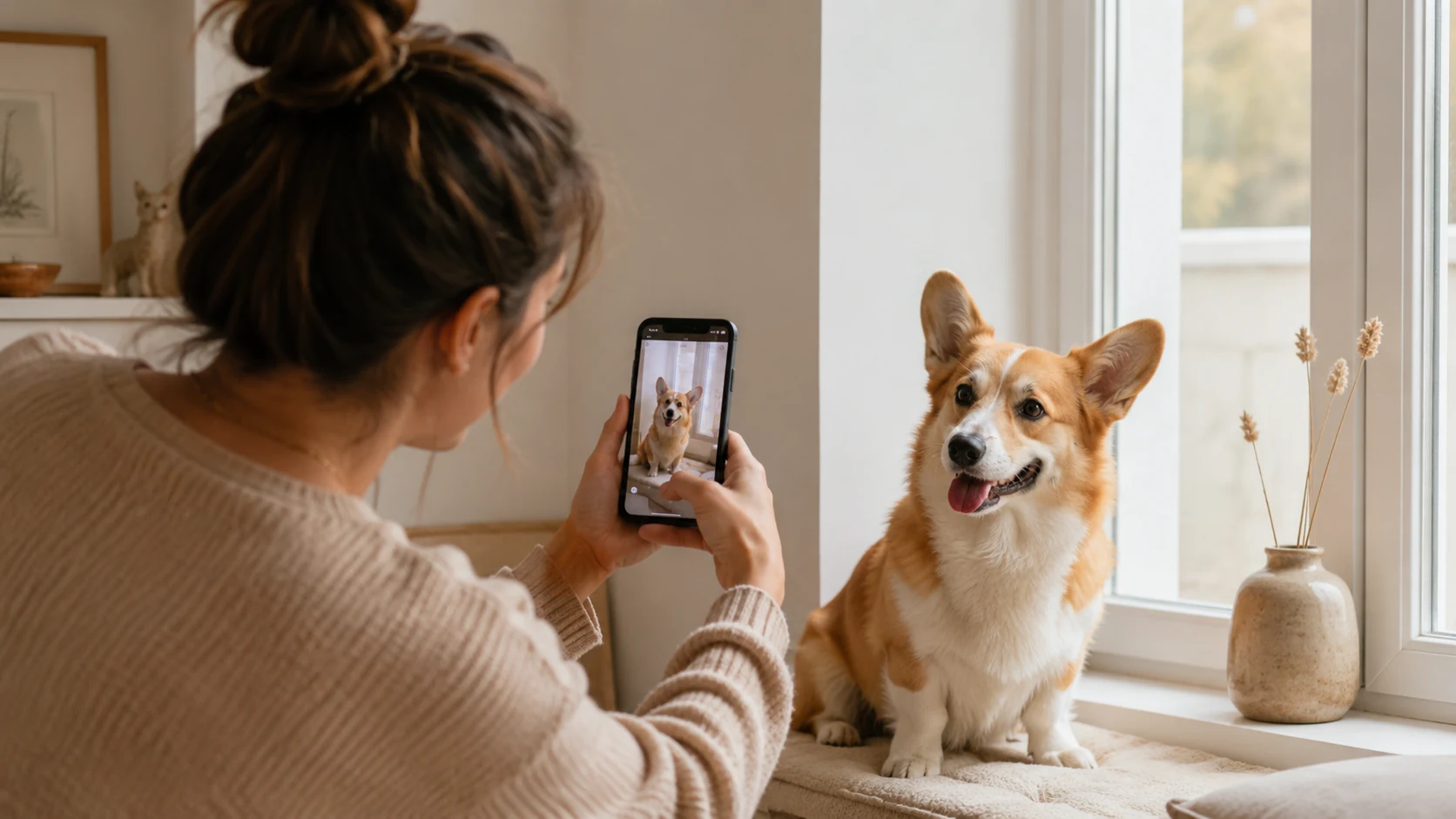
What Makes a Good Pet Photo?
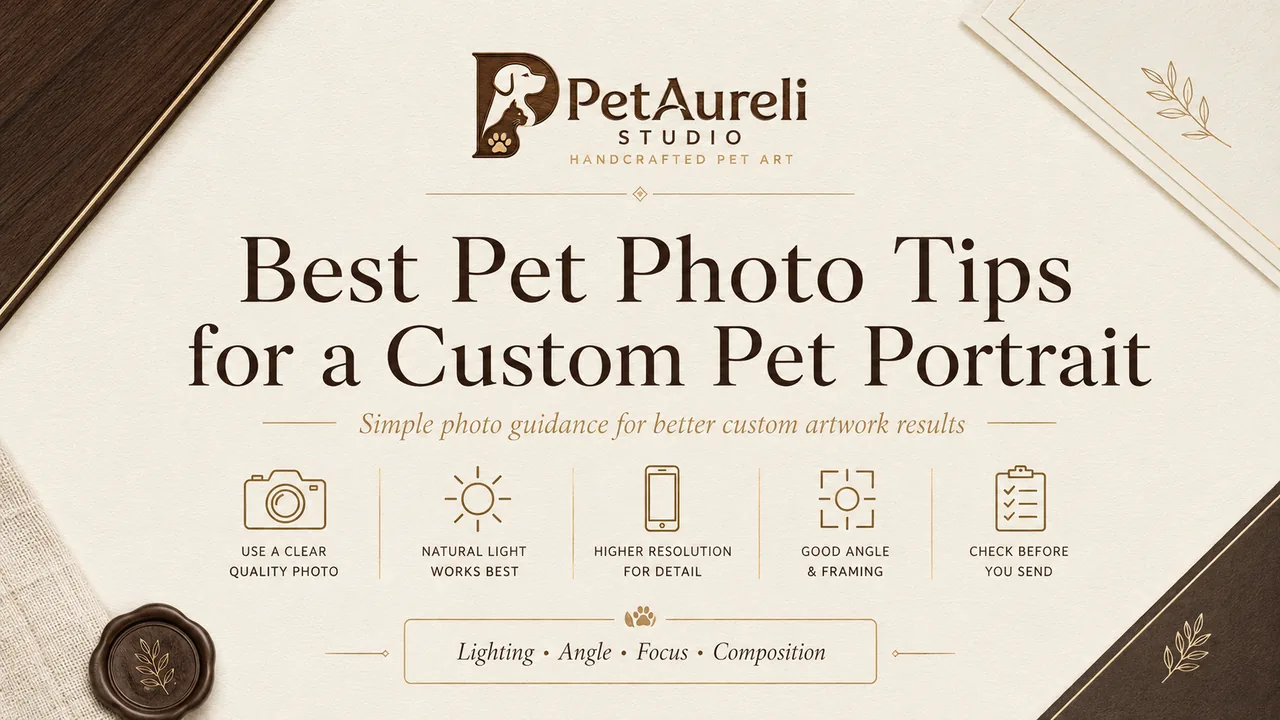
The best reference photo is sharp, naturally lit, taken near your pet’s eye level, and clearly shows the face without heavy filters or important features being cropped out.
- Use soft natural light whenever possible.
- Keep your pet’s eyes and face in focus.
- Photograph near eye level for natural proportions.
- Keep ears and recognizable features visible.
- Avoid heavy filters, screenshots, and extreme compression.
- Upload the original-resolution image whenever possible.
Why Your Pet Photo Matters
Every PetAureli portrait begins with your own pet photo. It becomes the visual reference our artists use to understand the details that make your pet recognizable.
A clear image helps us study expression, eye shape, coat color, markings, fur direction, and the small characteristics you know so well. The better the reference, the more confidently those details can be translated into your finished artwork.
You do not need a professional camera. Many modern smartphone photos provide excellent references when the lighting is good and the face is sharp.
Use Natural Light Whenever Possible
Soft daylight usually gives the most natural color and detail. A bright window, shaded outdoor area, or softly lit room can reveal your pet’s coat and facial features without harsh shadows.
Good lighting options
- Near a large window during the daytime.
- Outside in open shade.
- Soft morning or late-afternoon light.
- A bright room without direct flash.
Try to avoid
- Very dark rooms.
- Strong light directly behind your pet.
- Harsh flash that changes eye or fur color.
- Deep shadows covering important facial features.
Keep the Eyes and Face Sharp
The eyes often carry much of the expression that makes a pet instantly recognizable. Before uploading a photo, zoom in and check whether the eyes, nose, and main facial features remain clear.
A useful reference should allow us to see the shape of the eyes, facial markings, fur texture, and color differences without everything becoming soft or pixelated.
A strong reference usually shows
- Clear eyes.
- A recognizable nose and mouth.
- Visible fur or coat texture.
- Distinct markings and natural colors.
Photograph Your Pet Near Eye Level
Photos taken close to your pet’s eye level usually preserve the most natural proportions of the face. This can make the final portrait feel more familiar and true to the way you normally see your pet.
A slight three-quarter angle can also work beautifully. Your pet does not need to look perfectly straight into the camera — a natural pose often has more personality.
Keep Important Features in the Frame
For a head portrait, try to choose a photo where the full face and ears are visible. Distinctive features such as long ears, unusual markings, fluffy cheeks, or unique coat patterns can be an important part of your pet’s identity.
Try not to crop
- The tips of the ears.
- The chin or lower face.
- Distinctive markings.
- Important body features for full-body artwork.
Avoid Heavy Filters and Beauty Effects
Filters can alter coat color, eye color, contrast, fur texture, and even facial proportions. Whenever possible, upload the original unfiltered image so we can work from your pet’s natural appearance.
Photos to avoid if possible
- Strong color filters.
- Face-smoothing effects.
- Artificial eye enlargement.
- Cartoon or beauty filters.
- Highly edited screenshots.
Phone Photos Are Usually Perfectly Fine
You do not need professional equipment. A recent smartphone can capture more than enough detail for custom pet artwork when the lighting is good and the image is properly focused.
For better phone photos
- Clean the camera lens before shooting.
- Tap your pet’s eyes or face to focus.
- Avoid excessive digital zoom.
- Hold the phone steady.
- Take several photos and choose the sharpest one.
Choose the Expression You Love Most
Technical quality matters, but personality matters too. Choose a photo that feels unmistakably like your pet — perhaps a familiar head tilt, relaxed expression, curious stare, or happy smile.
These small expressions can make a custom portrait feel more personal than a technically perfect photograph that does not capture the pet you know.
Multiple Reference Photos Can Help
One photo may show the expression you love, while another may better reveal coat color, markings, ear shape, or body proportions.
Choose one main image that best represents the pose and expression you want, then use additional photos as supporting references when useful.
What If Your Favorite Photo Is Not Perfect?
A meaningful photo does not always need to be technically perfect. Older photographs, spontaneous moments, or favorite memories may still contain enough useful detail to work from.
If you are unsure, use the clearest version available and provide additional reference photos where possible.
Upload the Highest-Quality Version You Have
Photos can lose detail when downloaded from social media, sent repeatedly through messaging apps, edited several times, or captured as screenshots.
Whenever possible, upload the original file directly from your phone, camera, or photo library.
Best option
The original image file from your phone or camera.
Less ideal
Screenshots, thumbnails, social-media downloads, or images that have been repeatedly compressed.
A Simple Pet Photo Checklist
Before uploading your image, ask yourself:
- Is my pet’s face easy to see?
- Are the eyes reasonably sharp?
- Is the lighting bright enough?
- Do the colors look natural?
- Are important features visible?
- Is the image free from heavy filters?
- Does this expression feel like my pet?
- Am I uploading the best-quality version available?
If the answer to most of these is yes, you likely have a strong starting photo for your portrait.
From Your Photo to Handcrafted Pet Art
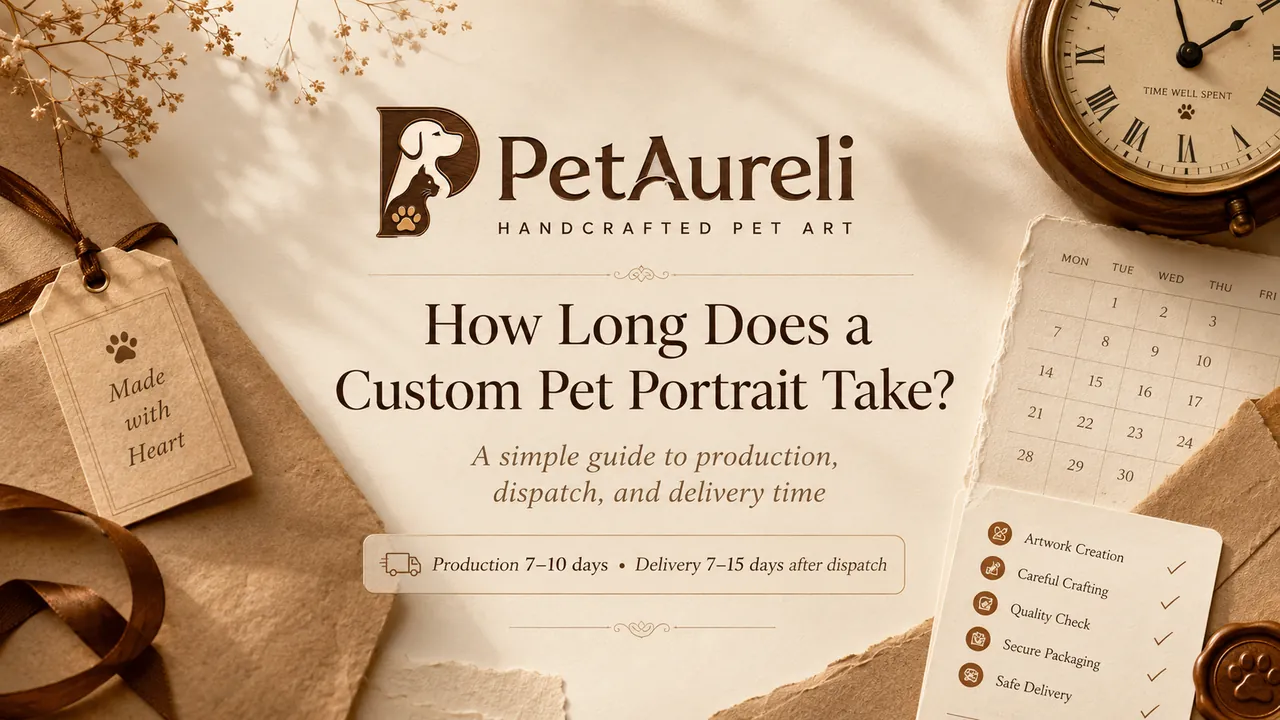
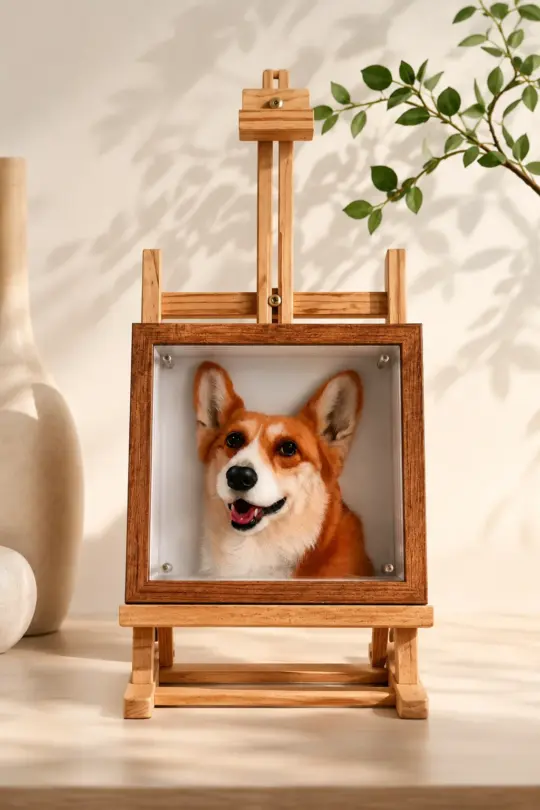
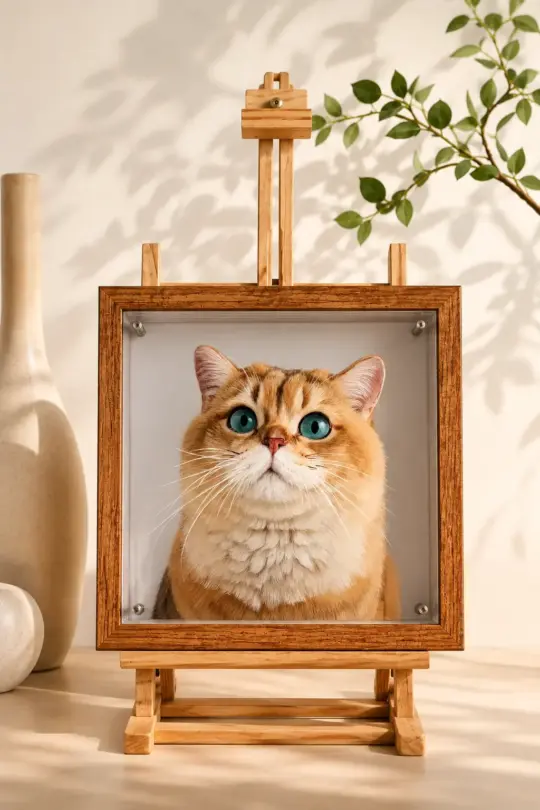
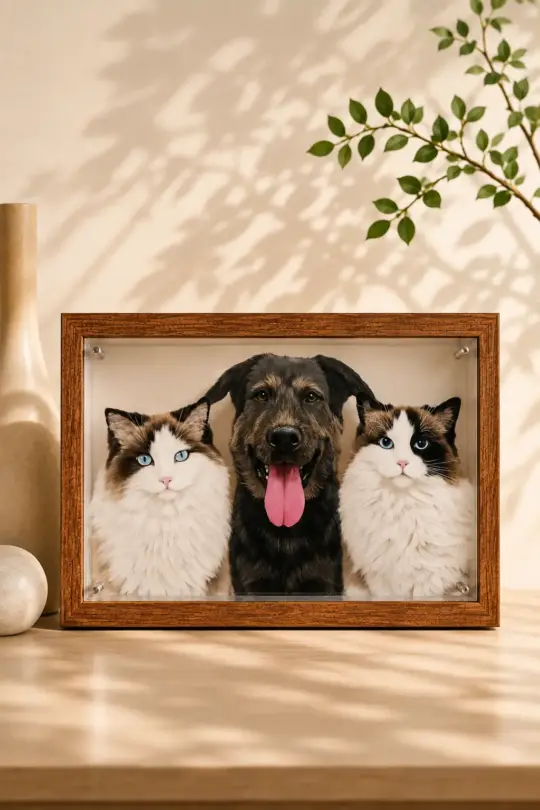
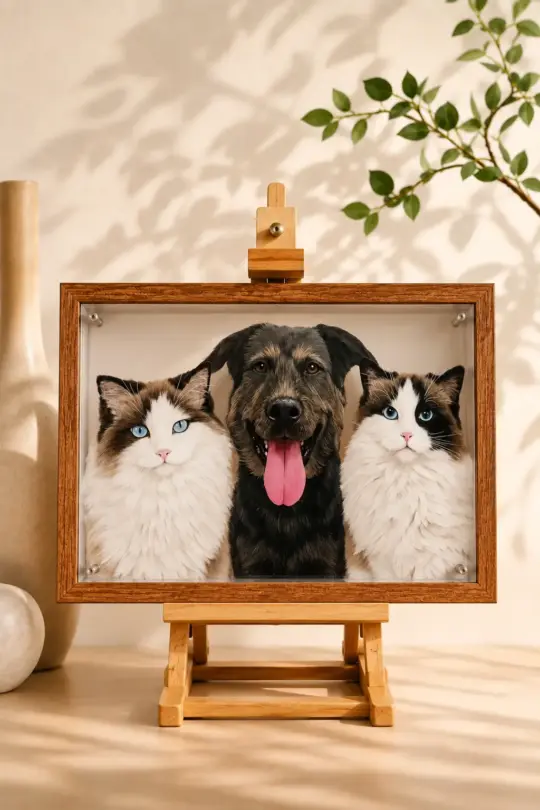
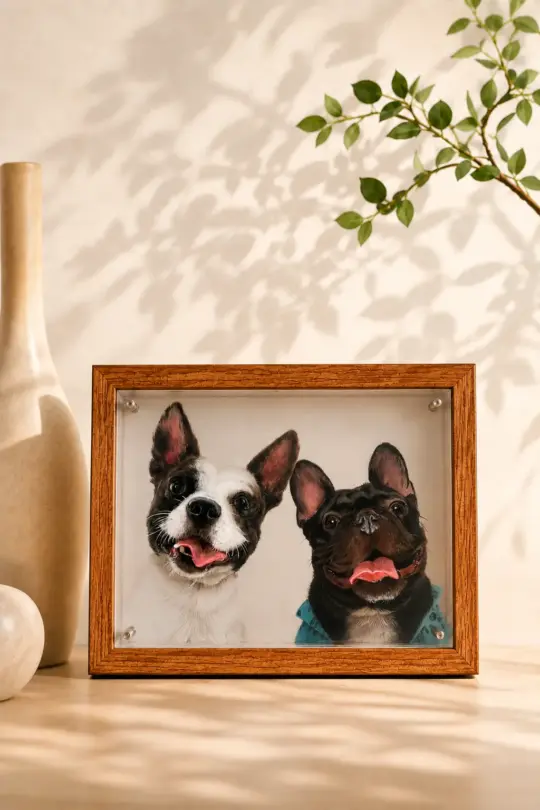
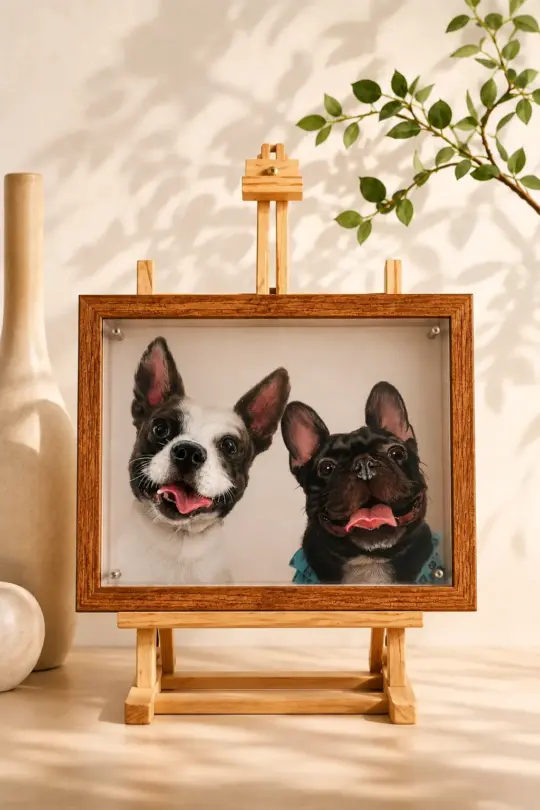
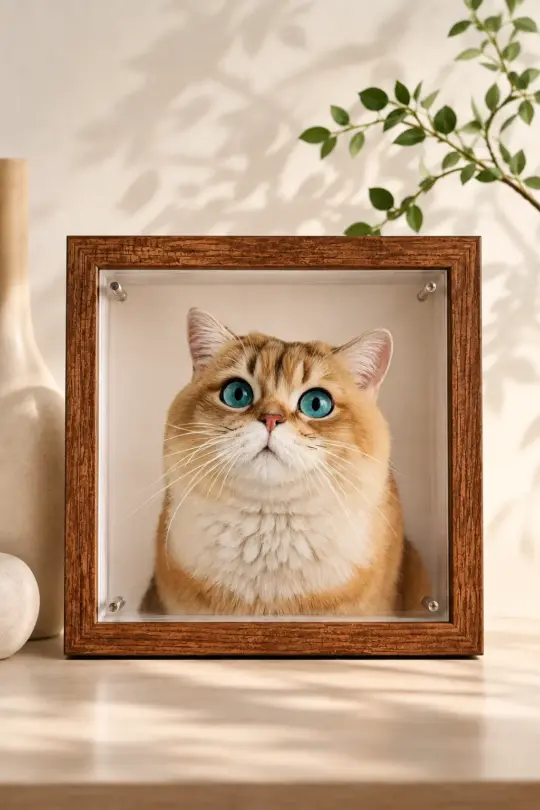
Once your order is placed, your photo becomes the reference for your PetAureli artwork. Our artists study the expression, color, coat, markings, and recognizable details before carefully creating and finishing your piece.
Production typically takes 7–10 days.
After dispatch, tracked delivery typically takes 7–15 days.
Pet Photo Questions
Can I use a photo taken on my phone?
Yes. Phone photos can work very well as long as the image is clear, well-lit, and shows your pet’s important features.
Does the photo need to be professionally taken?
No. A natural photo taken at home can make an excellent reference. Clarity, lighting, and expression matter more than professional equipment.
Can I use a screenshot?
We recommend the original photo whenever possible because screenshots often contain less detail. If a screenshot is your only option, check that the face remains clear when enlarged.
Can I provide more than one photo?
Yes. Additional reference photos can help show details such as coat color, markings, body shape, or ear position. Choose one main image that best represents the portrait you want.
What if my favorite photo is dark or slightly blurry?
If another clearer image is available, we recommend using it. However, a meaningful photo may still be useful when enough facial and coat detail remains visible.
Does my pet need to look directly at the camera?
No. Front-facing photos work beautifully, but natural three-quarter angles can also make excellent portraits. Clear expression and recognizable features matter most.
MADE JUST FOR YOUR PET
Turn Your Favorite Pet Photo Into Art
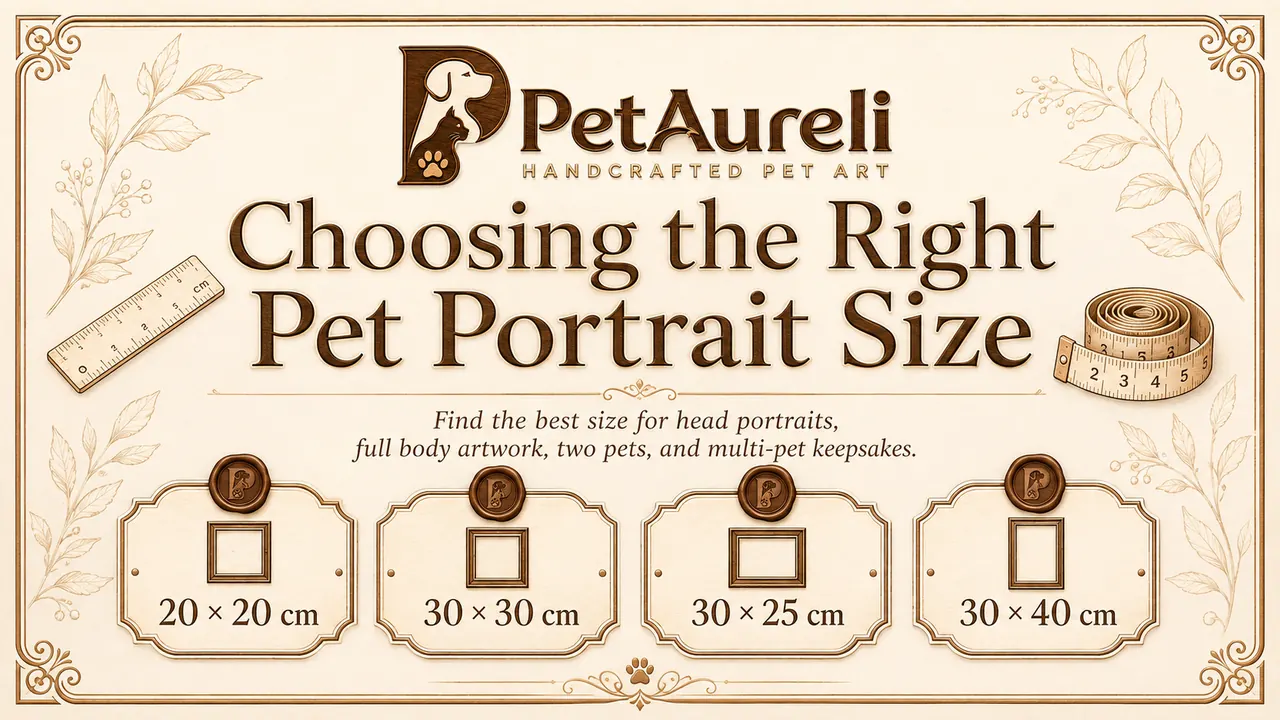
Choose your preferred size, upload your favorite pet photo, and we’ll take care of the rest. Every PetAureli portrait is individually created from your photo and carefully finished by our studio.
Production 7–10 days · Tracked delivery 7–15 days after dispatch